Write Mermaid text and get a diagram on your Confluence Cloud page. Version 2.0.0.
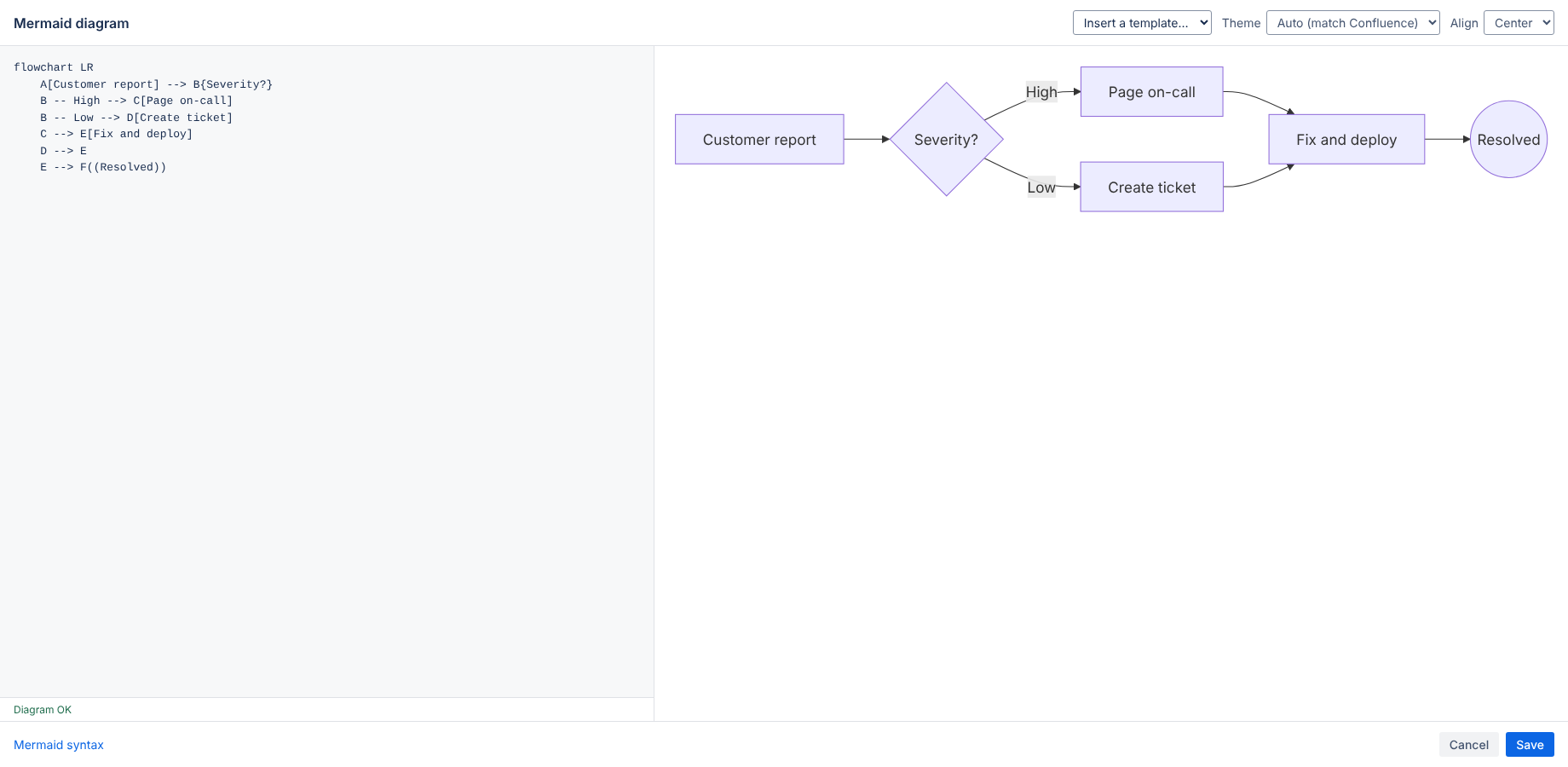
Edit a page, type /mermaid and choose Mermaid diagram. The editor opens: pick a template or paste your Mermaid text, check the live preview and click Save. Shortcut: Ctrl/Cmd + Enter saves.
In edit mode, select the diagram and click the pencil (edit) icon. Changes are saved with the page, so page history, copy and export keep working.
Flowchart, sequence, class, state, entity relationship, Gantt, pie, user journey, mindmap, timeline, git graph, quadrant and XY charts. Use Insert a template to start from a working example of each.
Choose Auto (follows the Confluence light or dark setting), Default, Neutral, Dark, Forest or Base. Align the diagram left or center.
If the Mermaid text is invalid, the editor shows the error and the line where it occurs. A saved diagram with an error shows the message on the page instead of breaking it.
The app runs on Atlassian (Forge). It has no external servers, analytics or cookies. Your diagram text is stored in the Confluence page. See the privacy policy.
Email hello@bizzkitt.ai or see support. Bitwerf is a trade name of BizzKitt B.V., the Netherlands.