Write math in LaTeX and show it on your Confluence Cloud pages, rendered with KaTeX. Version 2.0.0.
Edit a page and type /latex. Choose LaTeX equation for a centered block, or LaTeX inline math for a formula inside a sentence. Type LaTeX, check the live preview and click Save (or press Ctrl/Cmd + Enter).
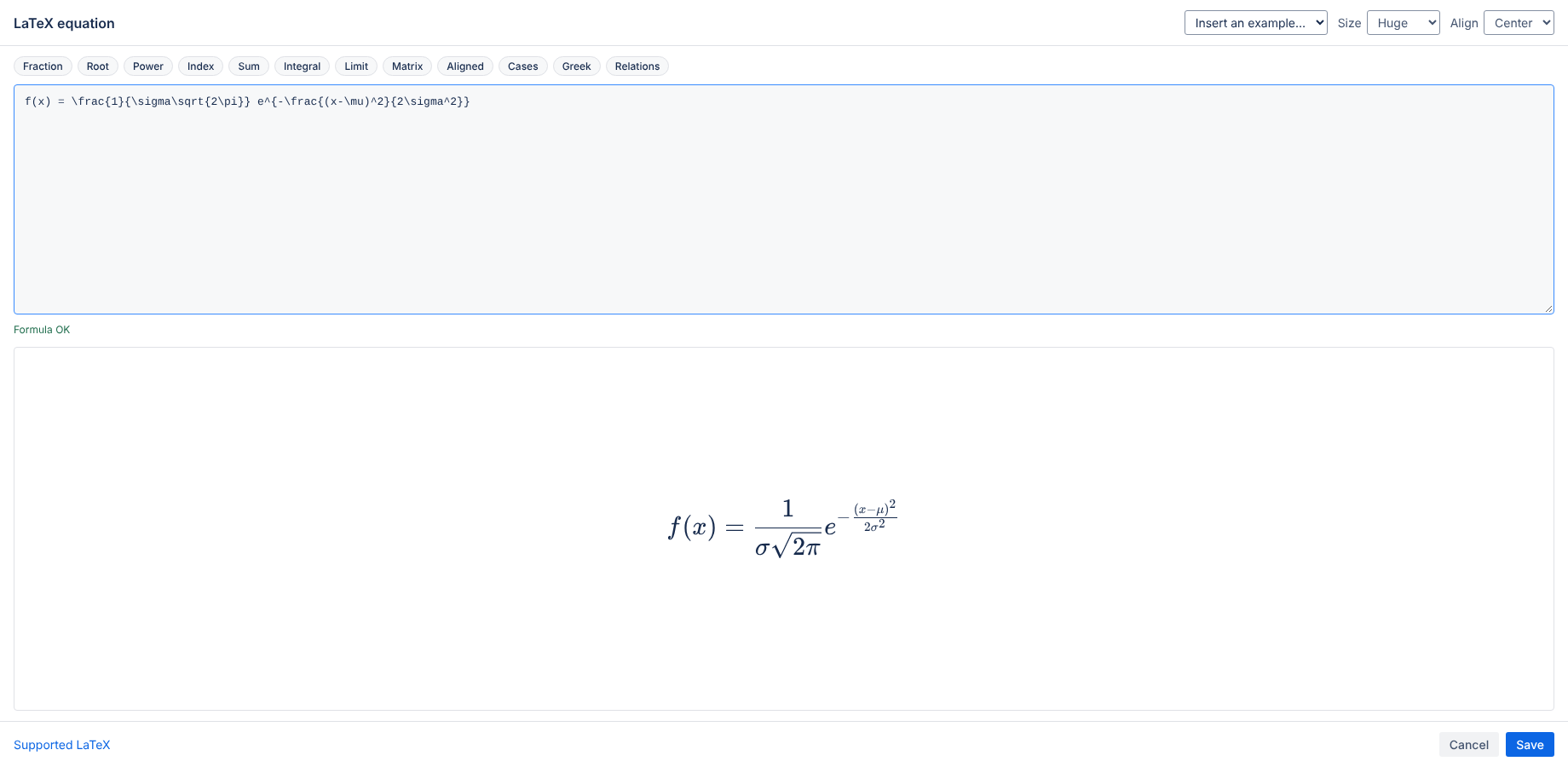
Use the snippet buttons for fractions, roots, powers, sums, integrals, limits, matrices, aligned equations, cases, Greek letters and relations. Insert an example adds complete formulas to start from.
Choose Normal, Large or Huge. Block equations can be centered or left aligned.
The app uses KaTeX. See the list of supported functions. If the LaTeX is invalid, the editor shows the error; a saved formula with an error shows the message on the page.
Formulas follow the Confluence light or dark setting automatically.
The app runs on Atlassian (Forge) with no external servers, analytics or cookies. Your formulas are stored in the Confluence page. See the privacy policy.
Email hello@bizzkitt.ai or see support. Bitwerf is a trade name of BizzKitt B.V., the Netherlands.