Write graphs in the DOT language and show them on your Confluence Cloud pages.
Edit a page, type /graphviz and choose Graphviz diagram. Pick a template or paste DOT, check the live preview and click Save (or press Ctrl/Cmd + Enter).
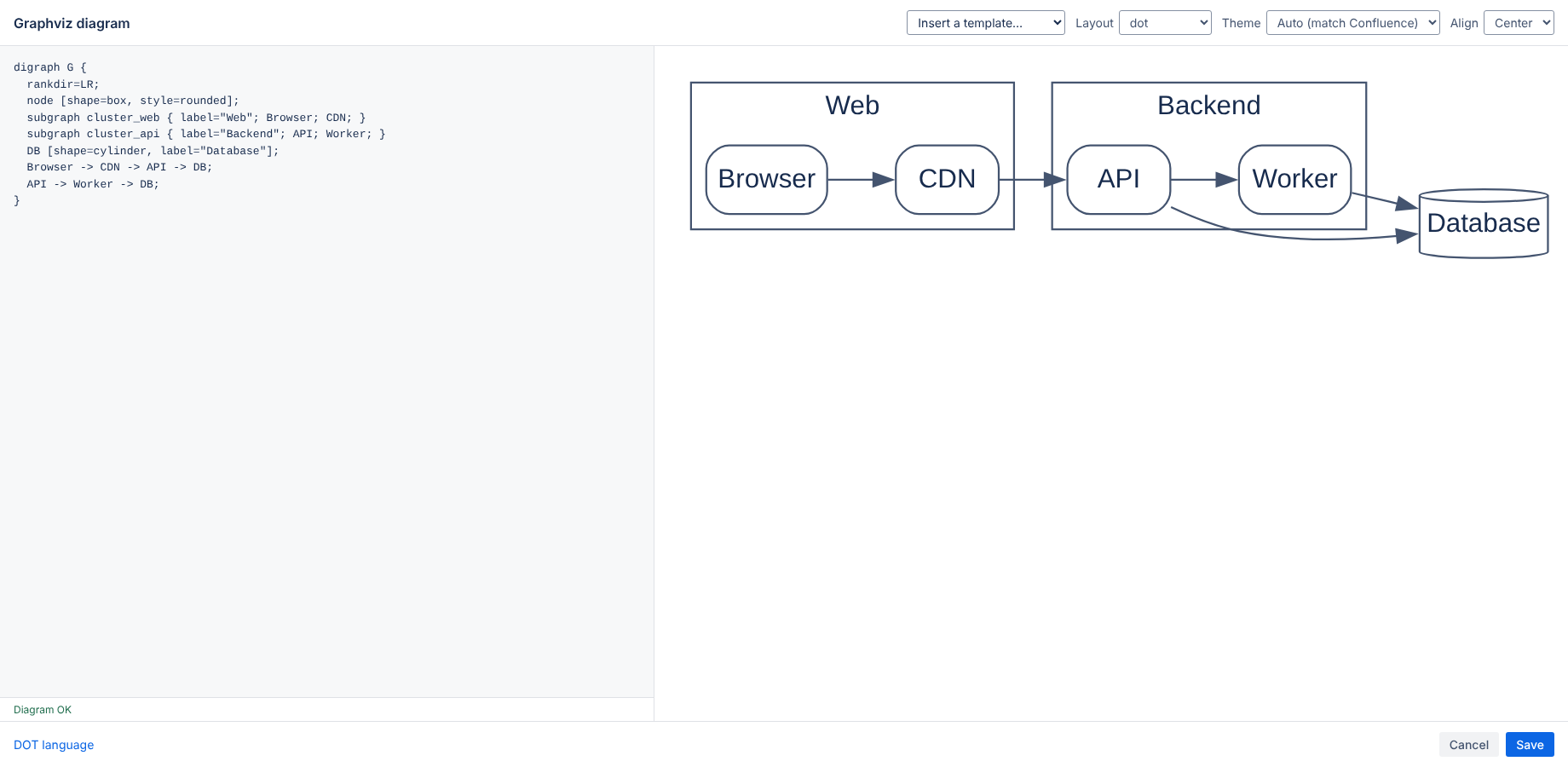
Process flow, architecture with clusters, state machine, org chart, data model with record shapes, and a network graph.
Choose the layout engine: dot (hierarchies and flows), neato and fdp (networks), sfdp (large graphs), circo (circular), twopi (radial), osage and patchwork. A layout= attribute in your DOT also works.
Auto follows the Confluence light or dark setting; Light and Dark force a theme. Colors you set in DOT always win. Align the diagram left or center.
Web links (URL or href attributes starting with http, https or mailto) open in a new tab. Other link types are removed for safety.
If the DOT is invalid, the editor shows the error and the line. A saved diagram with an error shows the message on the page.
The app runs on Atlassian (Forge) with no external servers, analytics or cookies. Your diagrams are stored in the Confluence page. See the privacy policy.
Email hello@bizzkitt.ai or see support. Bitwerf is a trade name of BizzKitt B.V., the Netherlands.