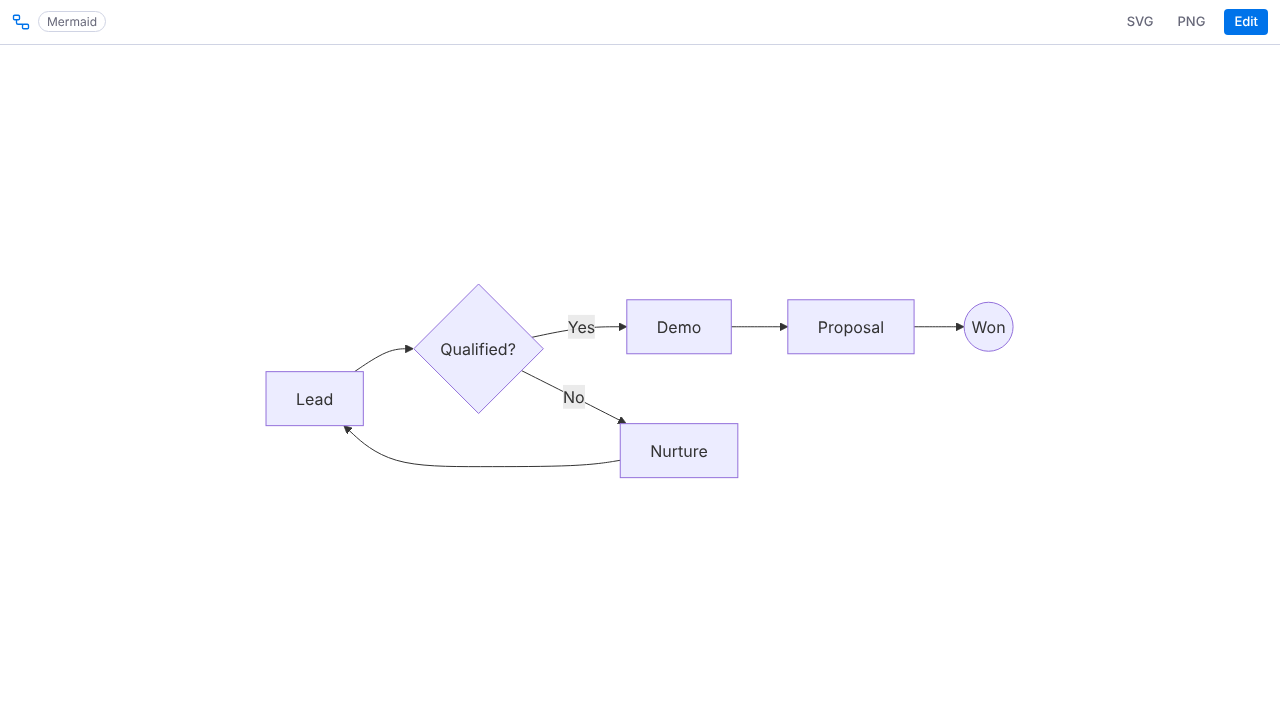
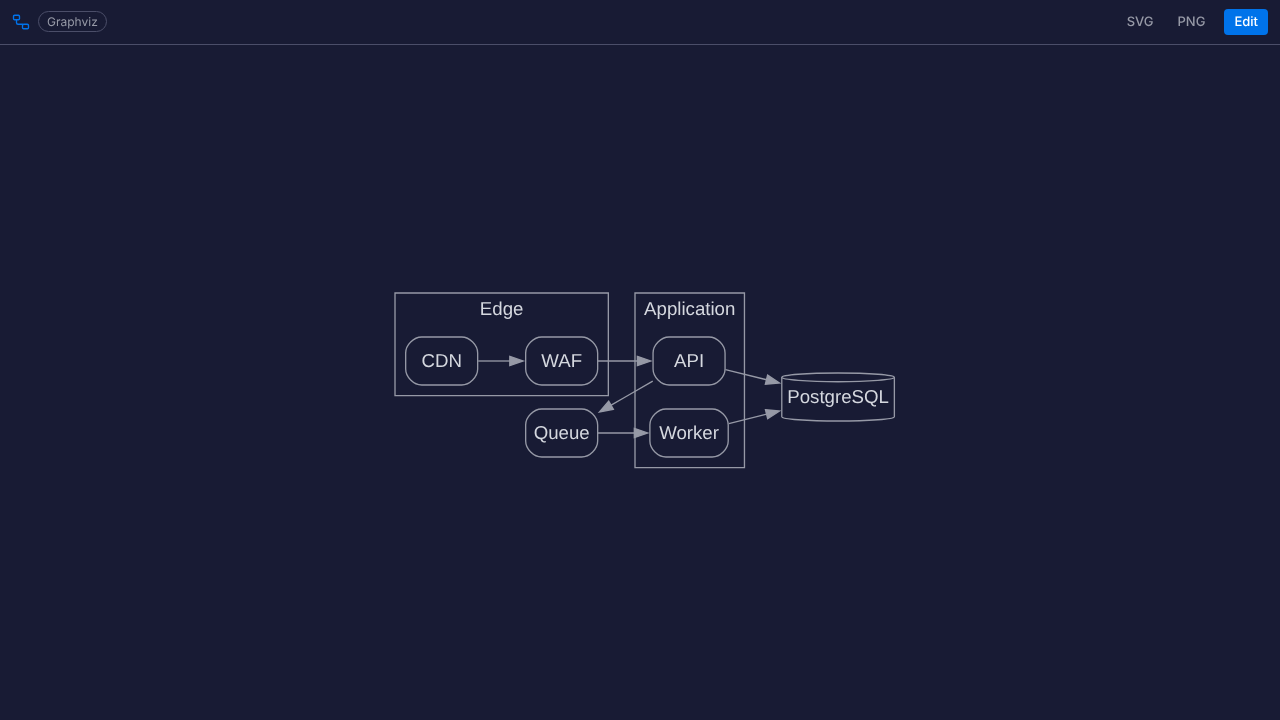
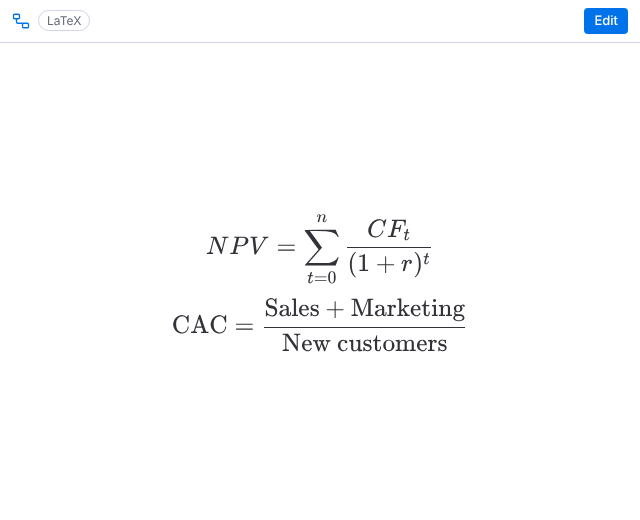
Flowcharts, sequence diagrams, architecture, mind maps, Gantt charts, ER diagrams and math formulas inside monday.com — written as text with a live preview, or described in plain language and written by AI. Four engines in one app: Mermaid, PlantUML, Graphviz and LaTeX.
Coming to the monday.com marketplace. Want it in your account first? Email hello@bizzkitt.ai and we let you know the day it is live.
| Place | What you get |
|---|---|
| Board view | A full-width diagram next to your board: process flows, architecture, roadmaps. |
| Item view | One diagram per item, in the item card: a sequence diagram for a feature, a formula for a calculation, a state machine for a process. |
| Dashboard widget | A diagram on a dashboard, scaled to fit the widget. |
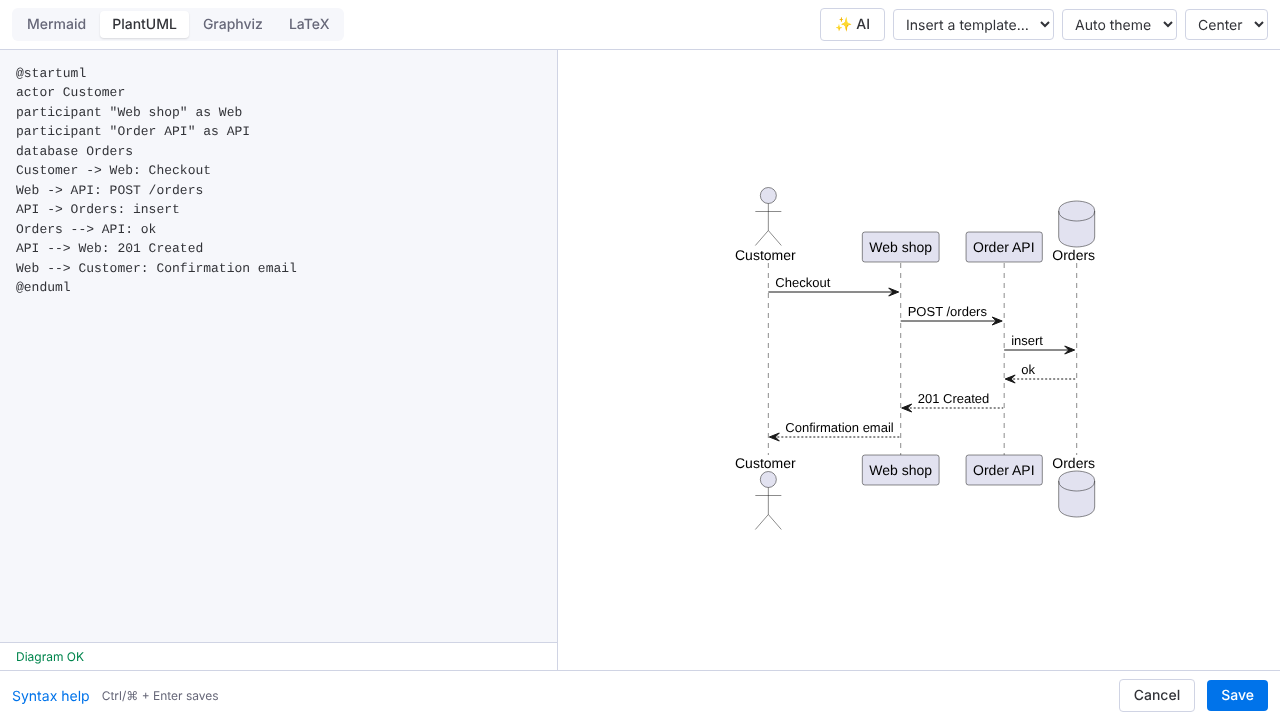
Open the editor and click ✨ AI. Describe the diagram in plain language ("customer onboarding: sign up, verify email, choose plan, first project") and Generate writes the Mermaid, PlantUML, Graphviz or LaTeX code for you; describe a change to update an existing diagram. Fix errors repairs a diagram that does not render, and Explain summarises a diagram in a few sentences. The AI runs on Cloudflare Workers AI; your prompt and diagram are processed for the answer and not stored. See privacy.
Diagrams follow the monday.com theme (light, dark, black, hacker) automatically; you can also pin a diagram to light or dark. Download any diagram as SVG or PNG from the toolbar.
Rendering happens in your browser. The diagram source is stored in monday.com's app storage for that view, item or widget, in your account; removing the view, item view or widget removes it. The app does not read your board data, uses no analytics and sets no cookies. Only the optional AI actions send your prompt and diagram to our Cloudflare endpoint for processing; nothing is stored there. See the privacy policy.
14-day free trial, then one flat plan for the whole account: $8 per month or $80 per year, billed by monday.com. All engines, AI actions, unlimited diagrams and seats included.
Email hello@bizzkitt.ai. We answer within 2 business days (Central European Time).
Bitwerf is a trade name of BizzKitt B.V., Frederikstraat 67, 3034 LD Rotterdam, the Netherlands (KvK 42149345, VAT NL869932354B01). Support · Privacy · Terms · Security